
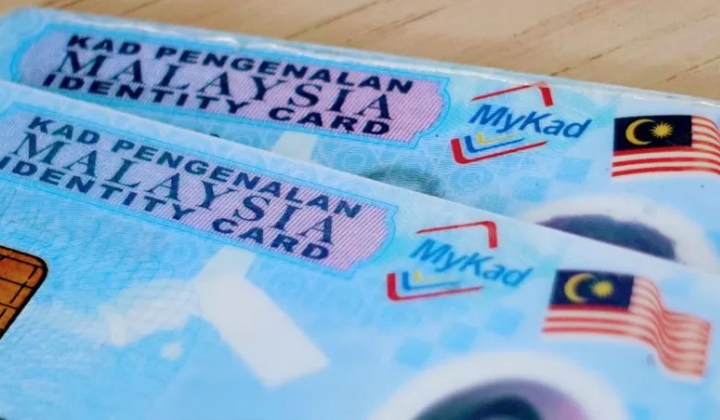

Replacing your MyKad is now a whole lot easier thanks to the MyGOV app on your smartphone.
You can submit your application straight from your phone instead of heading over to a physical counter at the National Registration Department, or JPN, saving you a bunch of time and hassle.
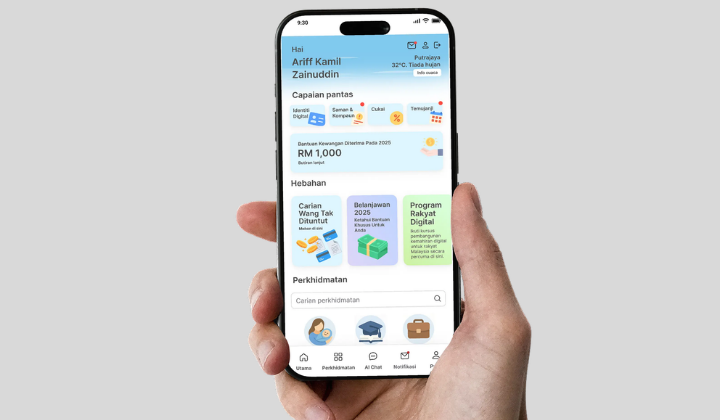
Getting your replacement card sorted through the app is pretty straightforward if you follow the step-by-step process. First, make sure you have downloaded the latest version of the MyGOV Malaysia app and logged into your account. From there, navigate to the Birth and Identity category for MyKad replacement, fill in the required details, and state your reason for needing a new card.
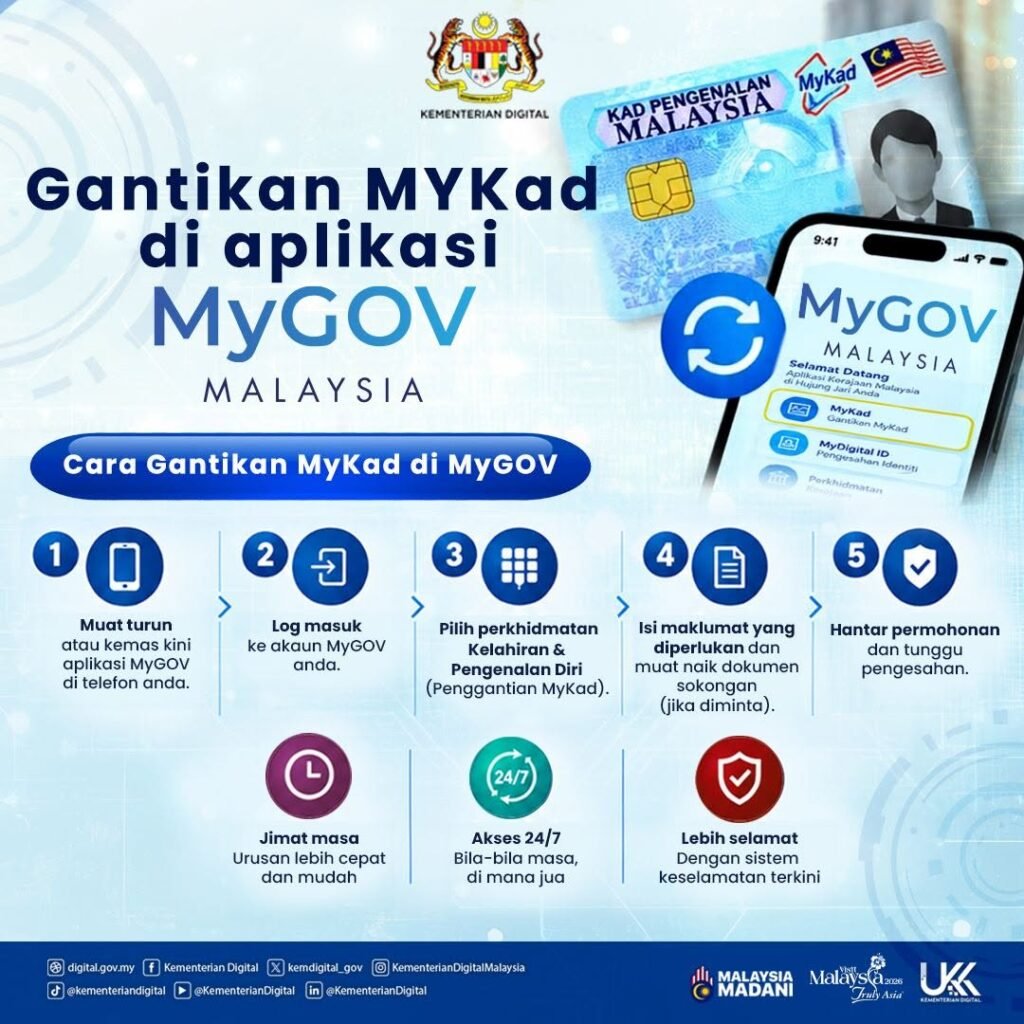
You will also need to select a convenient JPN branch where you can pick up your new card once it is ready. If prompted, upload any supporting documents required for verification before hitting submit to let JPN process your request.
If you have not got it yet, the MyGOV app is readily available for download on both the Apple App Store and the Google Play Store.