
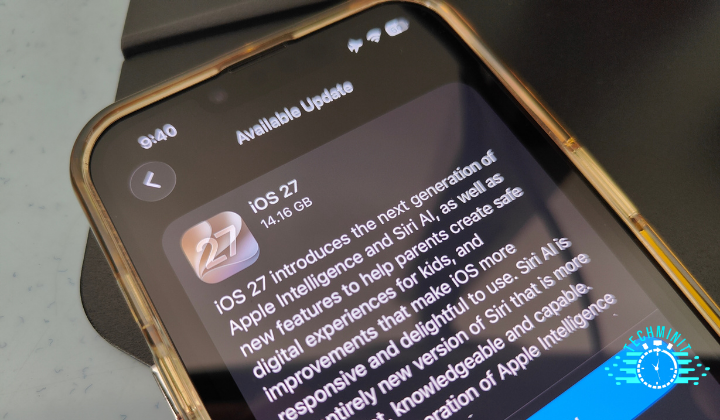

Apple has officially rolled out iOS 27 to all supported iPhones. If you are ready to make the leap, be prepared to clear out plenty of space, as the update lands at a massive 14GB on my iPhone 16e.
While this release focuses heavily on under-the-hood stability and day-to-day quality-of-life tweaks, the absolute headline feature is the massive Siri AI upgrade, which now relies on Google’s Gemini models.
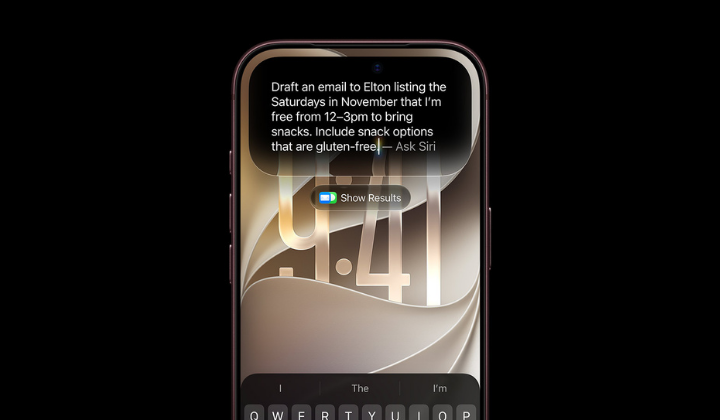
The assistant sports a brand-new design that looks like a glowing glass orb when invoked. You can type or chat to it naturally, and there is now a dedicated Siri app so you can review past conversations or pick up right where you left off across your other devices. Siri is integrated directly into the camera app for quick visual searches similar to Google Lens, allowing you to do useful real-world tasks like scanning a restaurant bill to split the tab with friends.
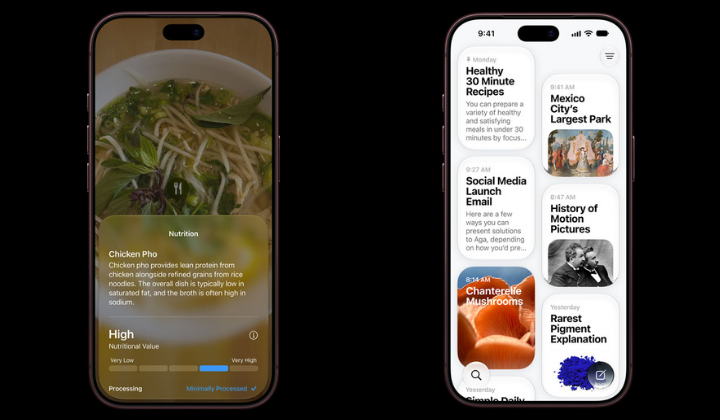
The updated Siri also leverages your personal context by searching through your emails, messages, and photos to answer specific prompts. From there, it can perform multi-step actions on your behalf, such as drafting an email in a tailored tone or suggesting the perfect wine pairing for dinner. The voice output sounds far more expressive, and you can now fine-tune its pitch, expressiveness, and speaking pace.
Performance gets a massive boost across the board with this release. Apple claims app launches are up to 30%, photo loading times in your library are up to 70%, and AirDrop speed has increased by up to 80%. Network switching between Wi-Fi and mobile data is much smoother, saving you from those annoying moments of lost connectivity when walking out the door. Best of all, a newly optimised CPU scheduler means older devices like the iPhone 11 will also benefit from these speed improvements.
On the visual front, Apple refined its design language to boost contrast and sharpen app icons. You also get far more control over the Liquid Glass aesthetic. If you head over to Settings, then Appearance, and select Liquid Glass, you will find a new slider that lets you dial the transparency anywhere from crystal clear to heavily opaque.
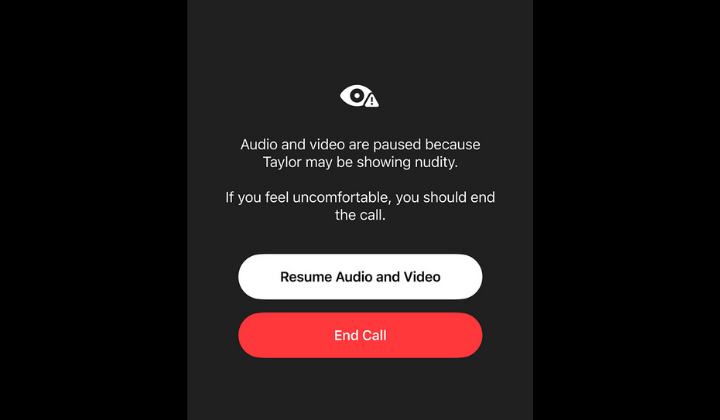
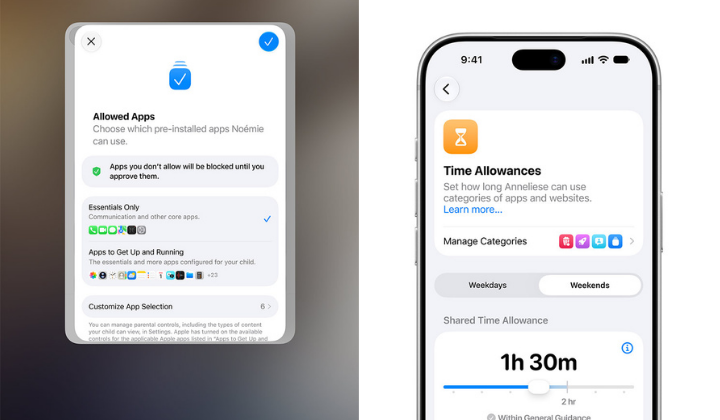
Parental controls receive a substantial overhaul with this update. A fresh Setup Assistant helps parents select essential apps when configuring a device for a child. A new Ask to Browse feature routes any unknown websites in Safari directly to a parent for approval, while built-in Communication Safety automatically blurs nude or violent content in Messages and FaceTime.
Finally, parents can manage screen time using Time Allowances and Schedules. Allowances let you set daily limits on specific categories like entertainment, complete with age-appropriate guidance from Apple. Schedules allow you to restrict app access during specific times of the week, with all usage stats consolidated into a redesigned parental dashboard.
There are plenty of smaller features packed into this updates, so it is worth checking out Apple’s official site if you want to dig into the full changelog.